
Mountain & Trails
Trail Map
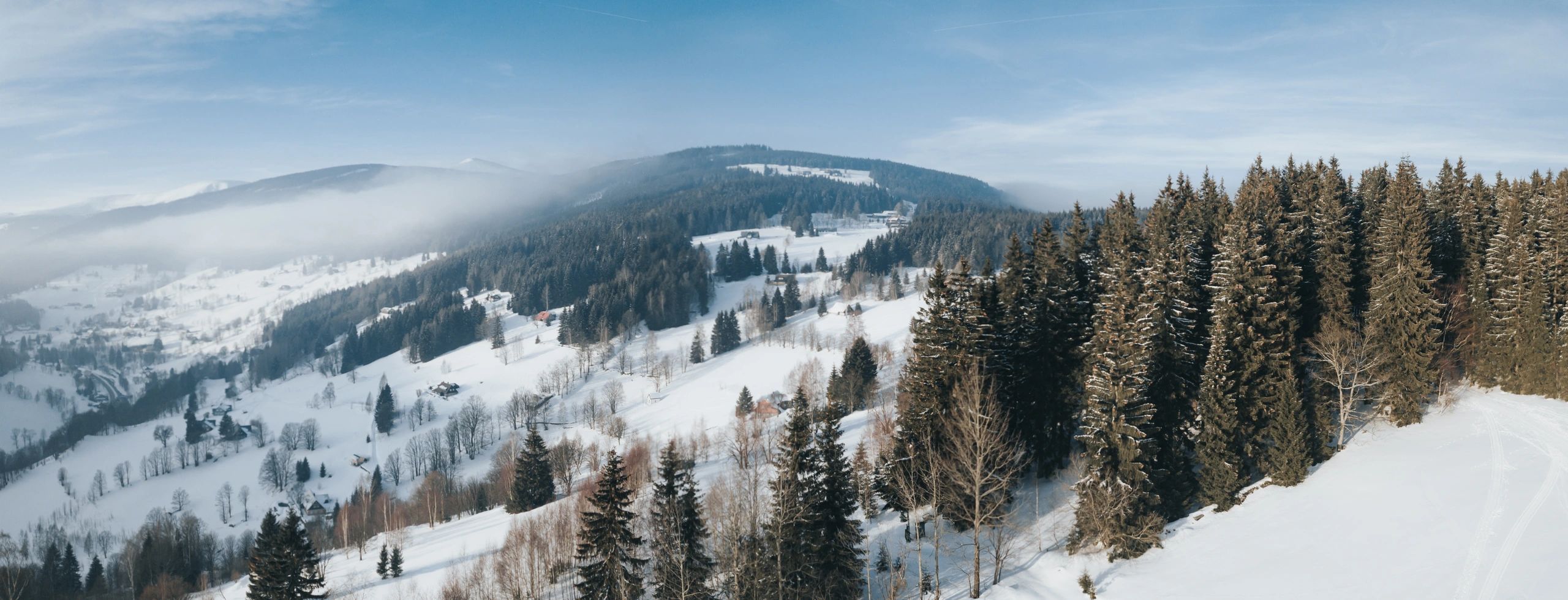
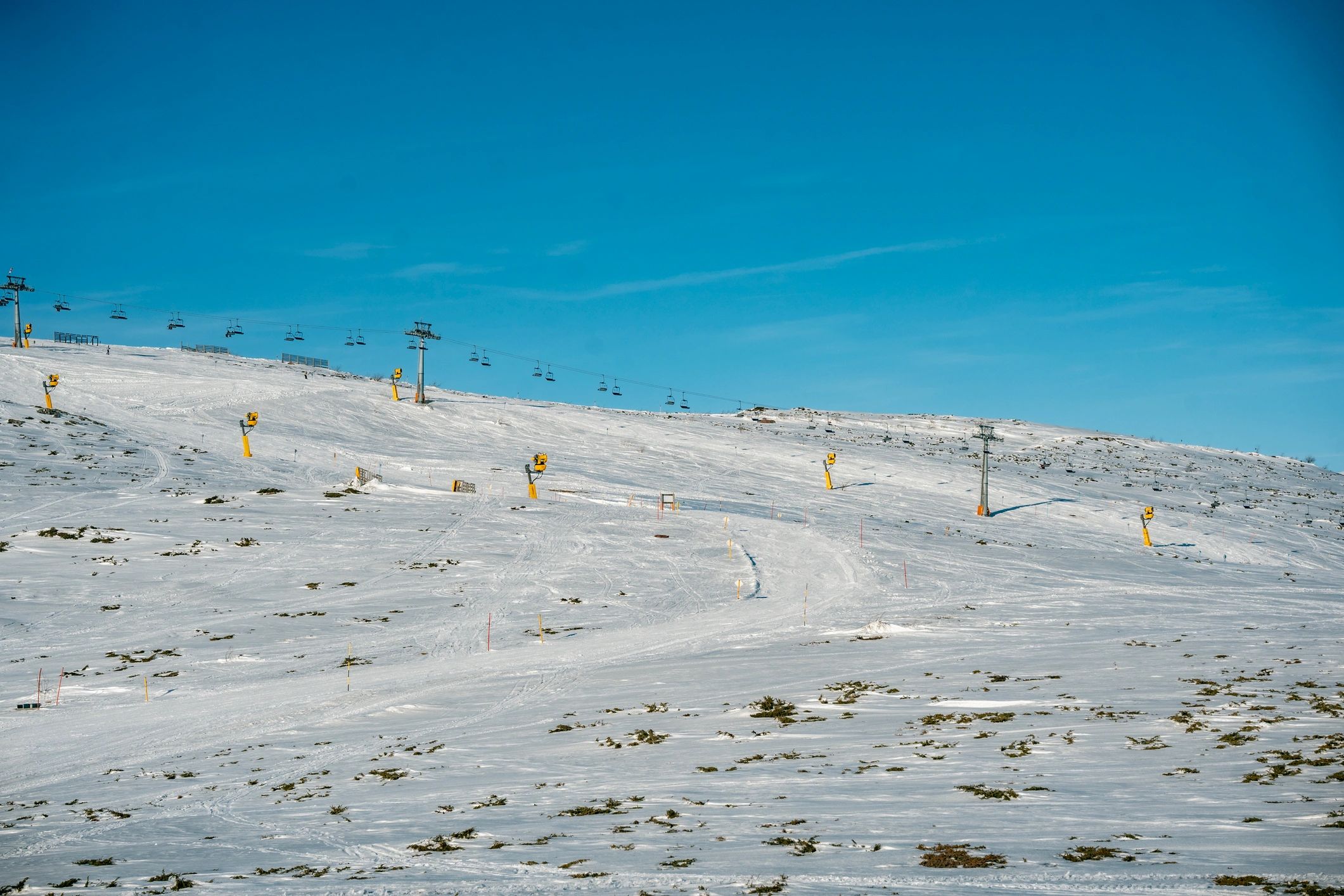
Explore alpine and nordic terrain at Ski Wolverton. Use the map to plan your day, find lifts and trail ratings, and choose the right zones for your group.
How to use it
Plan your route
Trail ratings & safety basics
Trail map FAQs
Quick answers to help you plan your day on the mountain.
Where can I pick up a printed map?
Printed maps are typically available at the base area and guest services when supplies last.
Does the map include nordic trails?
Yes—use the nordic section to find trailheads, loops, and key junctions for classic and skate routes.
How do I know what lifts and trails are open today?
Check Lift Status for real-time lift operations and Snow Report for conditions and grooming updates.
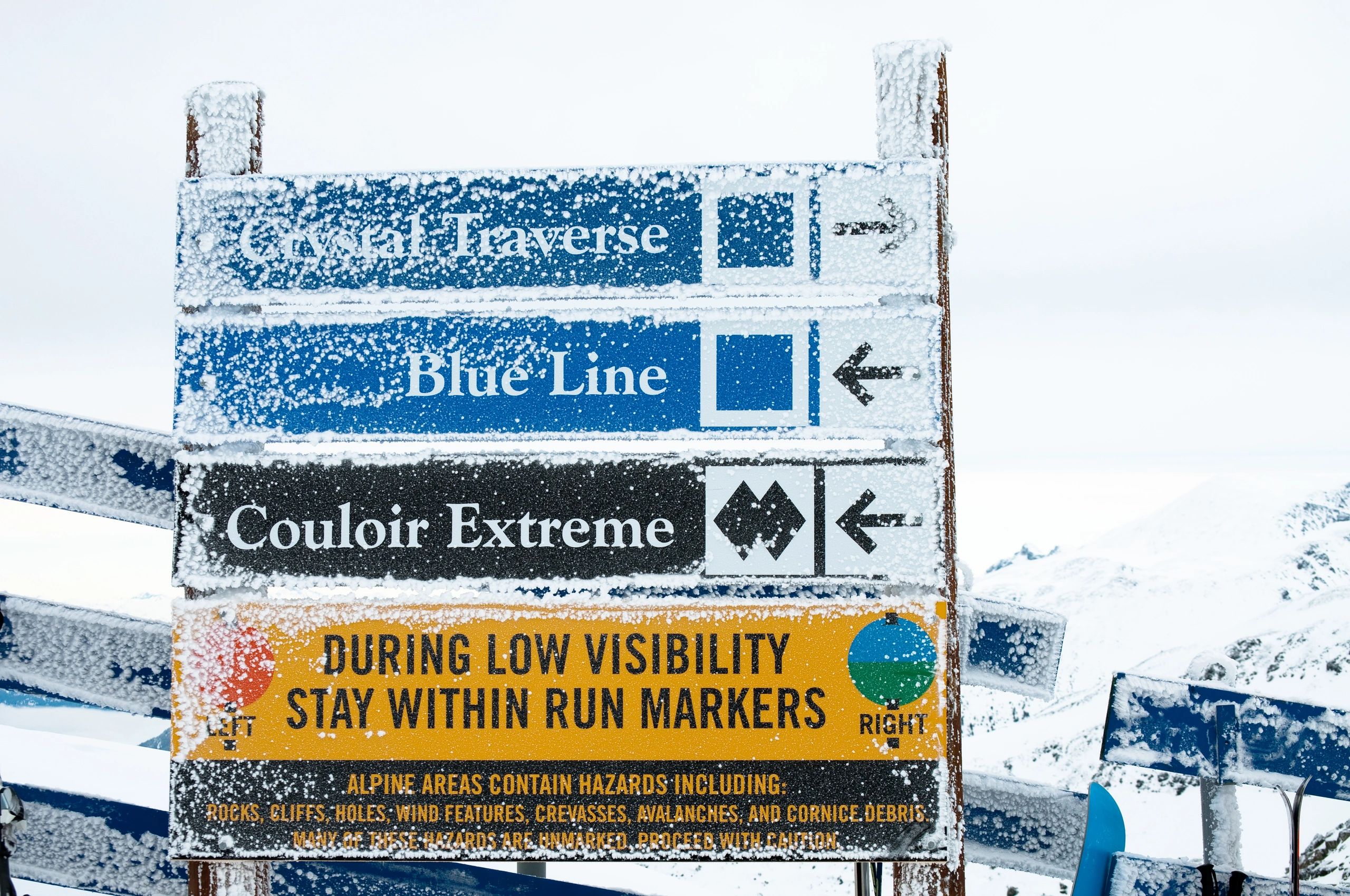
What do trail colors mean?
Green is easiest, blue is intermediate, and black is advanced. Terrain can vary by conditions—choose conservatively.
Are there beginner areas?
Look for green terrain near the base and dedicated learning zones. For instruction, visit Ski School.
Who should I contact for lost & found or help?
Use the Contact page to reach guest services, or stop by the base area for immediate assistance.